
Learning how to set up welcome email series correctly is the single most important marketing task you will ever do.
It has the highest open rate (often 50%+) and sets the tone for your entire relationship. Yet, most “free” email marketing tools try to trick you. They give you free emails but lock automation (the ability to send that welcome email instantly) behind a paywall.
If you want to set up a welcome email series without spending money, you need to be careful. Most platforms like Mailchimp have moved this feature to their “Standard” ($20/mo) plans.
These are the 5 best tools to set up welcome email series actually for free in 2026.
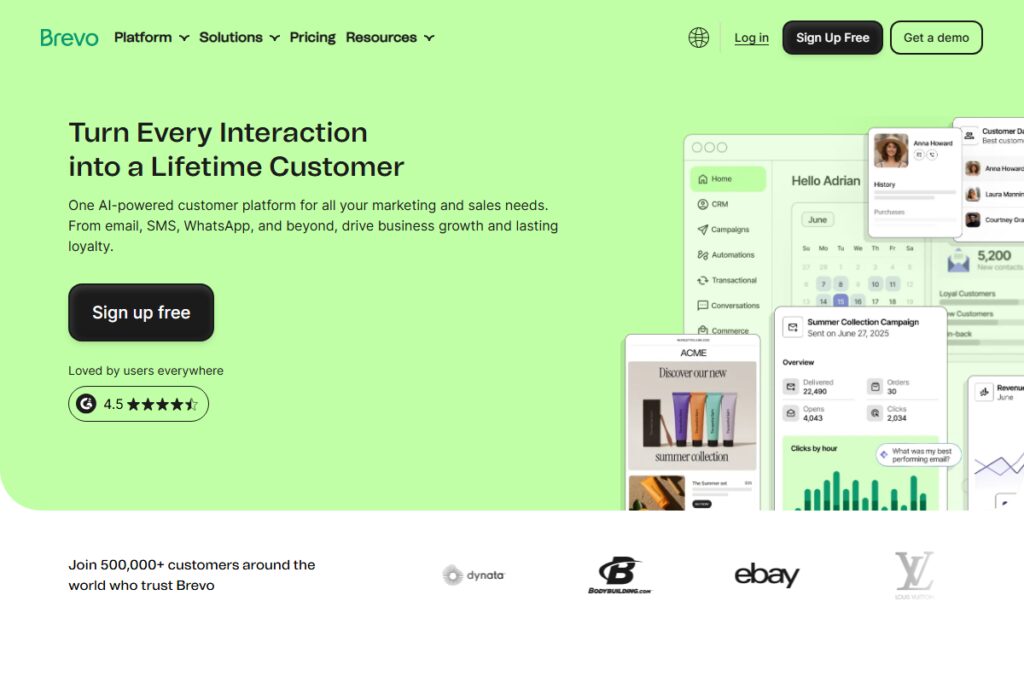
1. Brevo – Best Tool to Set Up Welcome Email Series (Unlimited)
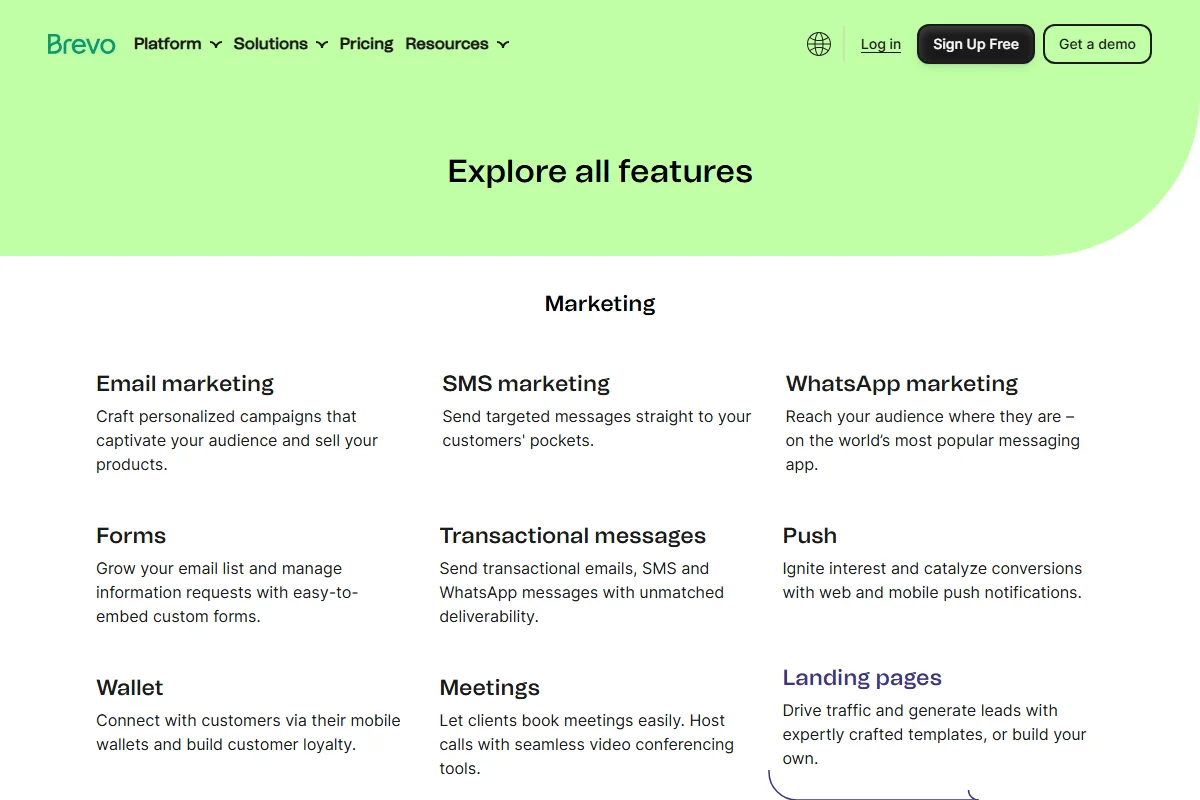
The Verdict: Most tools charge you as soon as you hit 500 or 1,000 subscribers. Brevo does not. You can have 100,000 contacts on the free plan.
I personally switched to Brevo because it removes the “punishment” for success. When you use other tools, getting a viral TikTok video means you suddenly owe them $50/month because your list grew. With Brevo, your list can grow to infinity. The only time you ever pull out your wallet is if you need to blast more than 300 emails in a single 24-hour window.
Here is the free loot:
- Unlimited Contacts: Seriously, store a million subscribers if you want.
- 300 Emails/Day: That is roughly 9,000 per month, which is plenty for 95% of new businesses.
- Advanced Automation: Multi-step workflows (Wait 1 day -> Send Email 2).
The Catch: The 300 daily limit can be tight if you send a “blast” newsletter, but for a Welcome Series (which trickles in daily), it is perfect. If you get 50 new subscribers a day, Brevo will handle them effortlessly for free forever.
This is why Brevo is our top recommendation for most beginners. It scales with you without penalizing early growth.
Once you sign up, simply navigate to the “Automations” tab to start building. It’s the most robust free engine I’ve tested.
2. Sender – Best for High Volume Sending (15k/Mo)
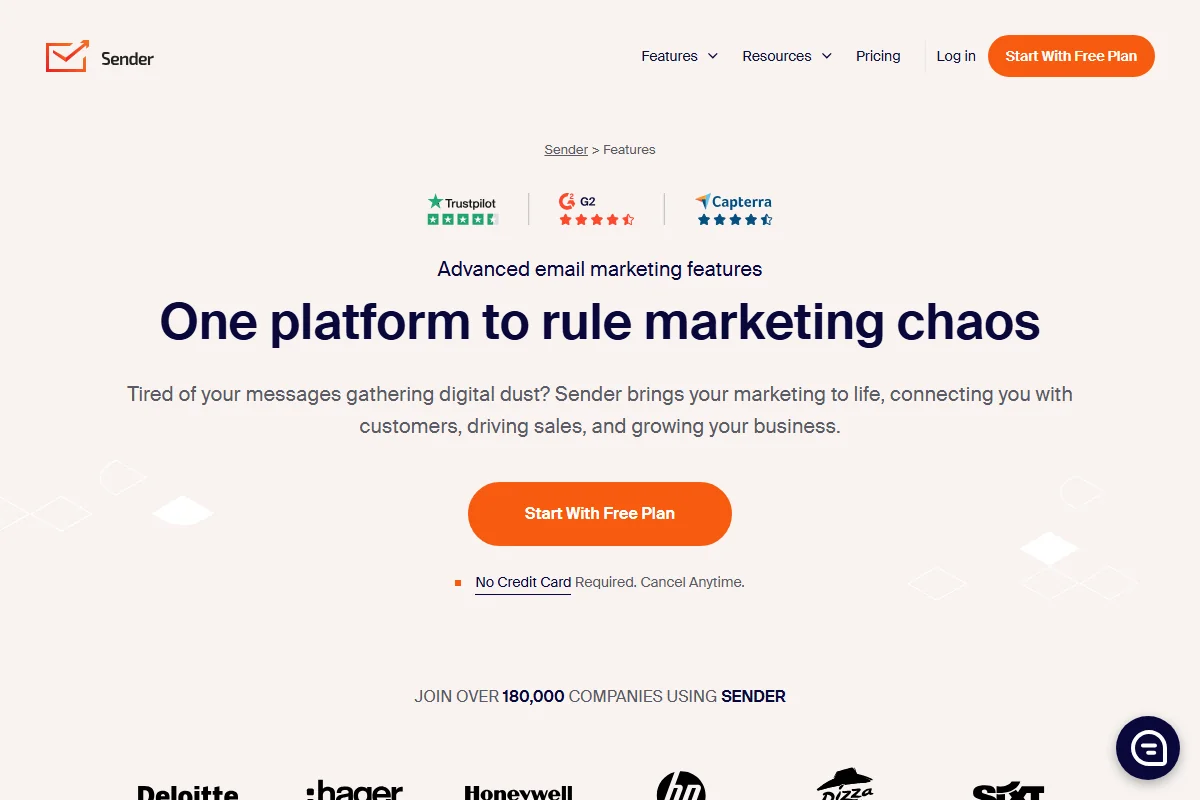
The Verdict: If you need to send a lot of emails, Sender is the king of volume.
Sender helps you set up a welcome email series with zero friction. Their interface is surprisingly clean for a tool that offers so much for free. While Brevo caps you at 300/day, Sender lets you blast your entire list whenever you want, as long as you stay under 15,000 monthly emails.
What You Get for Free:
- 2,500 Subscribers: A huge limit for a free plan.
- 15,000 Emails/Month: Highly generous.
- Full Automation: No locked visual builders.
Sender might not have the brand name of Mailchimp, but honestly, their free plan absolutely crushes Mailchimp’s offering (which nowadays caps you at a measly 500 contacts). They even throw in high-quality popups and forms, meaning you can skip paying for a separate lead capture tool entirely.
If your main goal is volume and you don’t need the CRM features of HubSpot, Sender is the utility player you want.
3. MailerLite – Best Visual Designer for Welcome Series

The Verdict: Think of MailerLite as the “Apple” of this list. It is clean, makes sense immediately, and honestly, the drag-and-drop builder is the smoothest one I’ve touched.
Setting up a welcome sequence here genuinely feels like play. You can skip the YouTube tutorials for this one; you’ll figure it out in five minutes flat. If you’re picky about design (I admit, I am), MailerLite is the way to go. It renders emails perfectly across mobile devices, something other tools often struggle with.
What You Get for Free:
- 1,000 Subscribers: Decent starting point.
- 12,000 Emails/Month: Good volume.
- Automation: Yes, included in the free plan.
The Catch: The approval process is strict. You need a verified domain/website to get approved. They do this to protect their servers from spammers, which actually helps your emails land in the inbox.
Their “Free Forever” plan also gives you access to a website builder, which is a nice bonus if you don’t have a site yet.
4. Kit (Formerly ConvertKit) – Best for Writers & Creators
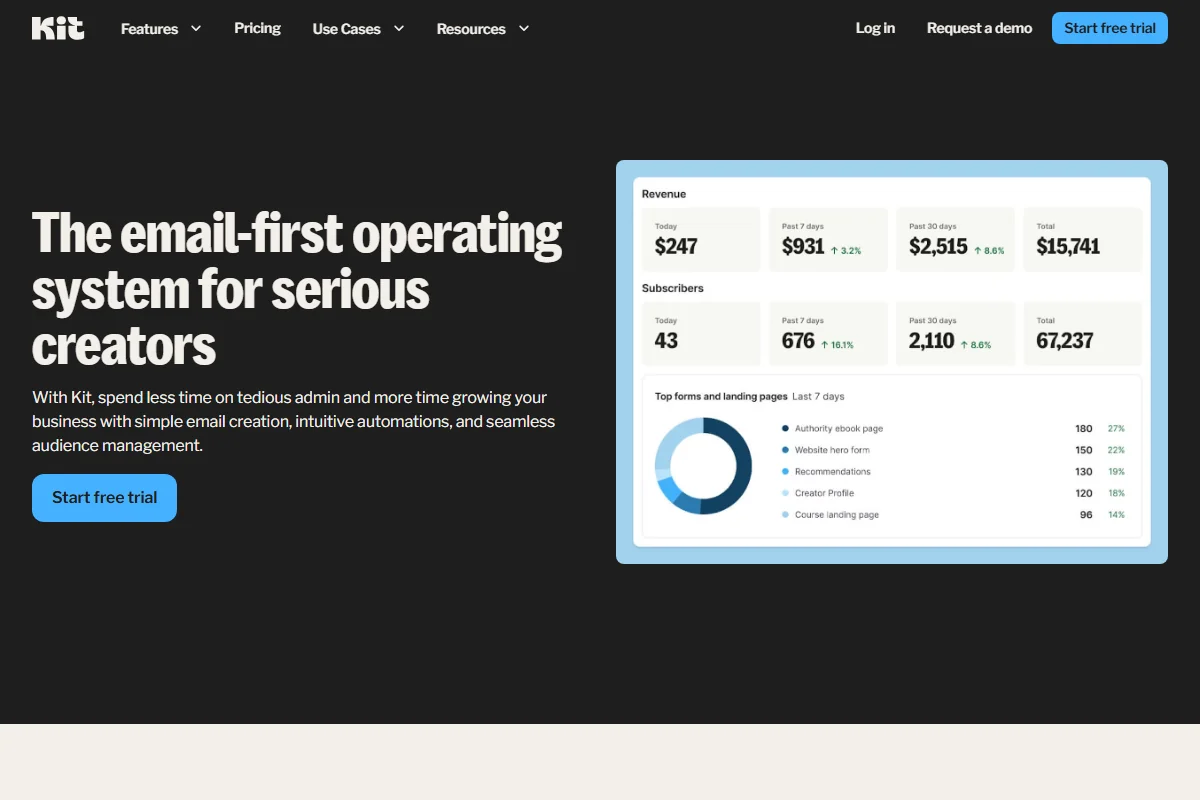
The Verdict: For the bloggers, podcasters, and course creators out there, Kit is the gold standard.
Kit allows you to set up a welcome email series that feels personal. They believe that plain-text emails (that look like a friend wrote them) convert better than “corporate” HTML newsletters. And the data proves them right. It plugs directly into tools like Teachable and Gumroad without you needing to be a tech wizard.
What You Get for Free:
- 1,000 Subscribers: Standard.
- 1 Automation Sequence: You can set up ONE welcome series for free.
- Landing Pages: Unlimited.
Unlike Brevo, Kit restricts visual automation on the free plan, but they allow a “Sequence” (which is exactly what a welcome series is). This is enough for 90% of creators starting out.
It hooks up perfectly with things like Teachable and Gumroad without needing five other plugins to make it work.
5. Omnisend – Best for Shopify Stores
The Verdict: Running an online store? Omnisend connects directly to your catalog.
If you need to recover lost sales, check our dedicated guide on Top 5 Abandoned Cart Tools. For a welcome series (e.g., “Here is your 10% coupon”), Omnisend is free for up to 250 contacts.
Comparison Table: Free Plans at a Glance
| Tool | Daily/Monthly Limit | Contacts Limit | Best For |
|---|---|---|---|
| Brevo | 300 / Day | Unlimited | Scaling Businesses |
| Omnisend | 500 / Month | 250 | Shopify Stores |
| MailerLite | 12,000 / Month | 1,000 | Design Lovers |
| HubSpot | 2,000 / Month | Unlimited (CRM) | High Ticket Sales |
| Kit | Unlimited Sends | 1,000 | Creators/Bloggers |
Technical Tutorial: How to Set Up Welcome Email Series in Brevo
Most people get stuck because the interface looks scary. It’s not. Here is exactly how to set up a welcome email series in Brevo without paying.
- Hit Automations: Glance at the sidebar on the left and tap “Automations” (it’s the icon that resembles a flowchart).
- Start Building: Smash that blue “Create a workflow” button up in the corner. You’ll see a bunch of templates.
- Pick “Welcome Message”: Brevo has a pre-built template for this exact purpose. Select it and save yourself 20 minutes.
- Set the Trigger: It will ask “When should this start?”. Pick “A contact is added to a list” and select your main newsletter list from the dropdown.
- Add a Delay (Or Not): You can drop in a “Wait” block if you prefer, but I usually recommend sending welcome emails instantly.
- Design the Email: Click the “Send an Email” block. Use the editor to type out a quick “Hello.” Seriously, keep it simple.
- Go Live: Flip that switch in the top right corner to “Active”. You are live!
That’s it. Now every new person who signs up gets that email automatically. You can test it by signing up with your own email address.
Step-by-Step Strategy: The “3-Email” Welcome Sequence
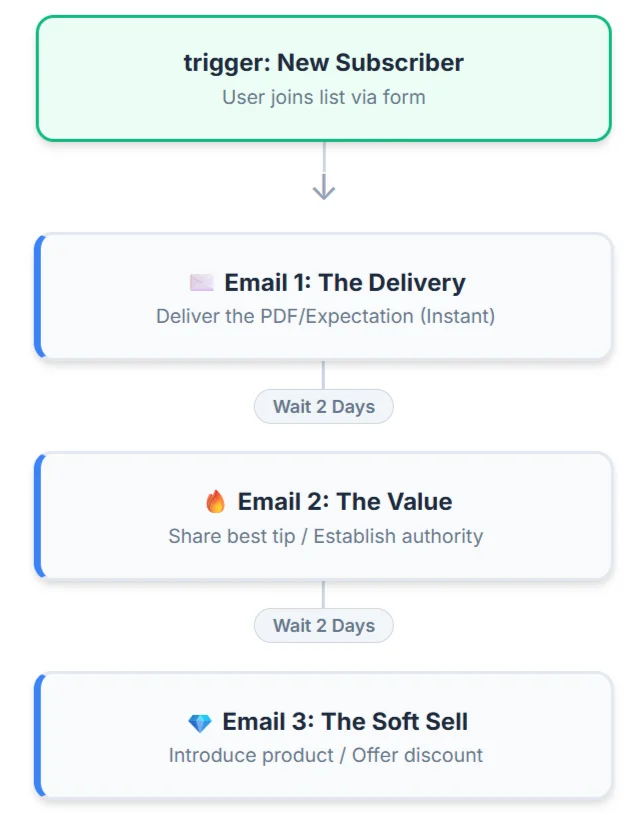
Tools are useless if your words suck. Even the best automation won’t save a bad email. Here is the exact script I use to convert subscribers into customers.
Email 1: The Delivery (Instant)
Subject: Welcome to the club! (Your Download Inside)
Body: “Hey [Name], thanks for joining. Here is the link to the [PDF/Coupon] you asked for. Enjoy!”
Goal: Instant gratification. Give them exactly what they signed up for immediately. Do not try to sell anything yet.
Email 2: The Value (Day 2)
Subject: My best tip for [TOPIC]…
Body: “I wanted to share one quick win that helped me…” (Give value, ask for nothing).
Goal: Trust. Prove you are an expert. If you sell too early, they unsubscribe.
Email 3: The Soft Sell (Day 4)
Subject: Ready to take this further?
Body: “I hope you enjoyed that tip! If you want to dive deeper, you might love my full course…”
Goal: Conversion. Now that you have earned their trust, it is safe to make a friendly offer.
FAQ: Welcome Email Series
What is a welcome email series?
A welcome series is a sequence of automated emails sent immediately after someone subscribes. It usually delivers your lead magnet (PDF/Coupon) and introduces your brand or service to new leads.
Which free tool allows unlimited contacts?
Brevo is the only major platform offering unlimited contacts on the free plan, charging only by emails sent per day.
Can I automate emails on Mailchimp Free?
Mailchimp has severely limited its free plan. As of 2026, automation is very restricted (often 1-step only). We recommend Brevo or Sender for free multi-step workflows if you are on a budget.
How many emails should be in a welcome series?
A classic structure is 3 emails:
1. Delivery (The Coupon/PDF).
2. Value (Your best content).
3. Soft Sell (Your product).
Final Verdict
- Go with Brevo if you want the best balance of Generous Limits + Advanced Automation. It scales with you.
- Go with Omnisend if you are strictly on Shopify and need ecommerce features.
- Go with MailerLite if you hate complex software and want a beautiful interface.
Check out our guide on Top Abandoned Cart Tools if you are also running an ecommerce store.
Don’t let another customer walk away. Set up one of these free tools today and start building relationships on autopilot.