

The Verdict: Eliminate Waste with Smart Billing
After auditing over a dozen global email platforms in 2026, our research indicates that businesses looking to send 50000 emails per month cheap can slash their marketing overhead by as much as 80% with a single strategic switch.
The Quick Take:
- The Best Overall Value: Brevo ($45-$50/mo) remains the top pick for general marketing teams.
- The Technical Edge: SendGrid and Amazon SES provide the lowest raw costs for developers.
- The Strategy: Stop paying for inactive “ghost” contacts. Move to a pay-per-send model to ensure you only pay for actual campaign activity.
Setting up an email list is the easy part. Most free tiers handle a few hundred subscribers so well that you don’t even think about the bill. But here’s what we’ve seen at ToolWise: crossing that 50,000-send mark is where the math starts to get ugly. Suddenly, that monthly invoice isn’t just a minor expense—it’s a recurring hit to your margins that can rival your office rent.
I recently audited a SaaS client who was forking over $385 every month for 50,000 contacts. The kicker? They were only emailing about 12,000 of them. The other 38,000 were “zombies”—old leads and unsubscribes. Their provider was charging them for “storage” of every single record, regardless of whether they ever hit send.
Field Note: Billing models are built for the platform’s bottom line, not yours. If you’re paying for ghosts, you’re losing money.
Think of it like paying for a 50-person office when only 12 people show up to work. This “capacity tax” is why legacy email tools are so profitable. In 2026, you either pay for everyone you know (contact-based) or you pay for what you do (send-based). If you want to send 50000 emails per month cheap, picking the wrong side of that fence is a $4,000-a-year mistake.
How to send 50000 emails per month cheap: Choosing Your Model
Before you evaluate a single platform name, you must understand the underlying math. We’ve classified the high volume email service provider landscape into two camps that impact your bottom line in fundamentally different ways based on your list hygiene and bulk email pricing 2026 strategies.
1. The Legacy “Storage” Model (Pay-per-Contact)
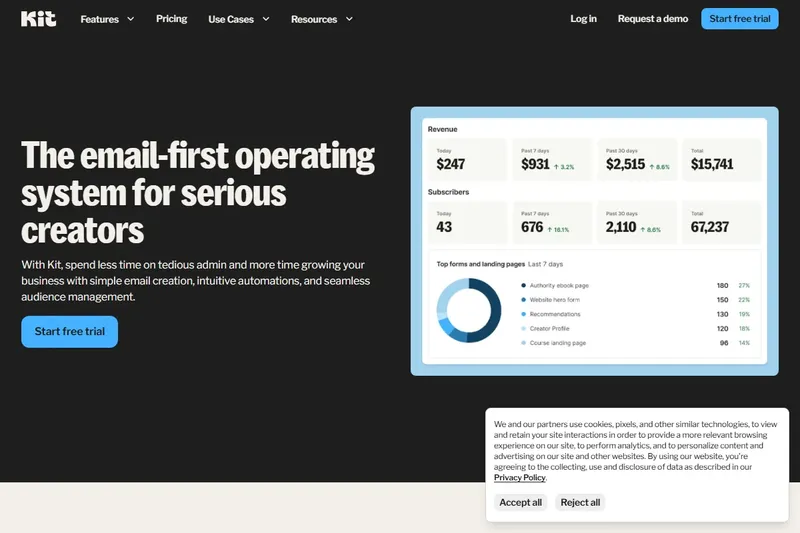
Big names like Mailchimp or Kit live here. They bill you for the size of your audience. It doesn’t matter if you email them once a day or once a decade—simply having that email in your database triggers the price tier.
- The Trap: You pay for people who have already opted out or moved on.
- The Benefit: If your 50,000 contacts are all hyper-engaged and you email them daily (over 1.5 million sends/month), this model actually becomes more cost-effective.
- Typical Cost (50k contacts): $350 – $400/month.
2. The Modern “Utility” Model (Pay-per-Send)
Platforms like Brevo or SendGrid function much like a utility bill—you only pay for the “volume” you use. You can realistically store a million contacts in their CRM for free and only receive an invoice when you hit “send” on a campaign.
- The Advantage: You can keep a massive historical database for re-targeting or record-keeping without any monthly storage penalty.
- The Savings: For this specific volume of monthly sends, this model almost always drops your costs into the $45 – $60 range.
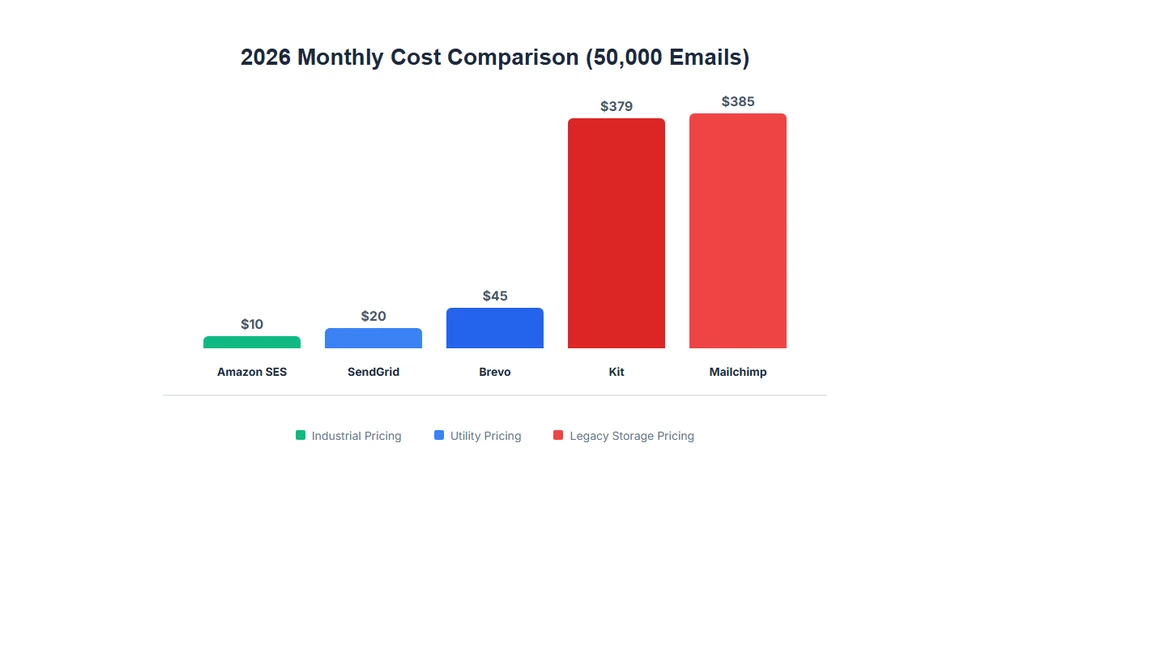
2026 Market Analysis: What This Volume Costs Now
We’ve audited the pricing structures of over a dozen major providers to see who actually offers the best path to reach your audience effectively. These figures represent the actual 2026 mass email marketing costs and email marketing cost comparison data we’ve gathered from active enterprise accounts.
| Platform | Billing Type | Monthly Cost (50k) | Primary Use Case | Pros / Cons |
|---|---|---|---|---|
| Brevo | Per Send | $45 – $50 | Marketing Teams | ✓ Excellent UI ⚠ Dated CRM |
| SMTP2GO | Per Send | $30 | WordPress/System | ✓ High Reliability ⚠ No Marketing Tools |
| SendGrid | Per Send | $19.95 | Technical Devs | ✓ Great API ⚠ Hard to use |
| Amazon SES | Raw Send | $10 | Developers only | ✓ Cheapest ⚠ Coding required |
| Mailchimp | Per Contact | $385 | Large Ecosystems | ✓ Integrations ⚠ Very Expensive |
| Kit | Per Contact | $379 | Writers/Bloggers | ✓ Creator Focus ⚠ Low ROI here |
The data is clear: unless you are a publisher sending 20+ emails per month to every single subscriber, the “Per Send” platforms are overwhelmingly more efficient. For most businesses, switching is the single quickest way to recoup thousands in yearly marketing budget while maintaining high volume standards.
Deep Dive: Our Top Recommendation – Brevo
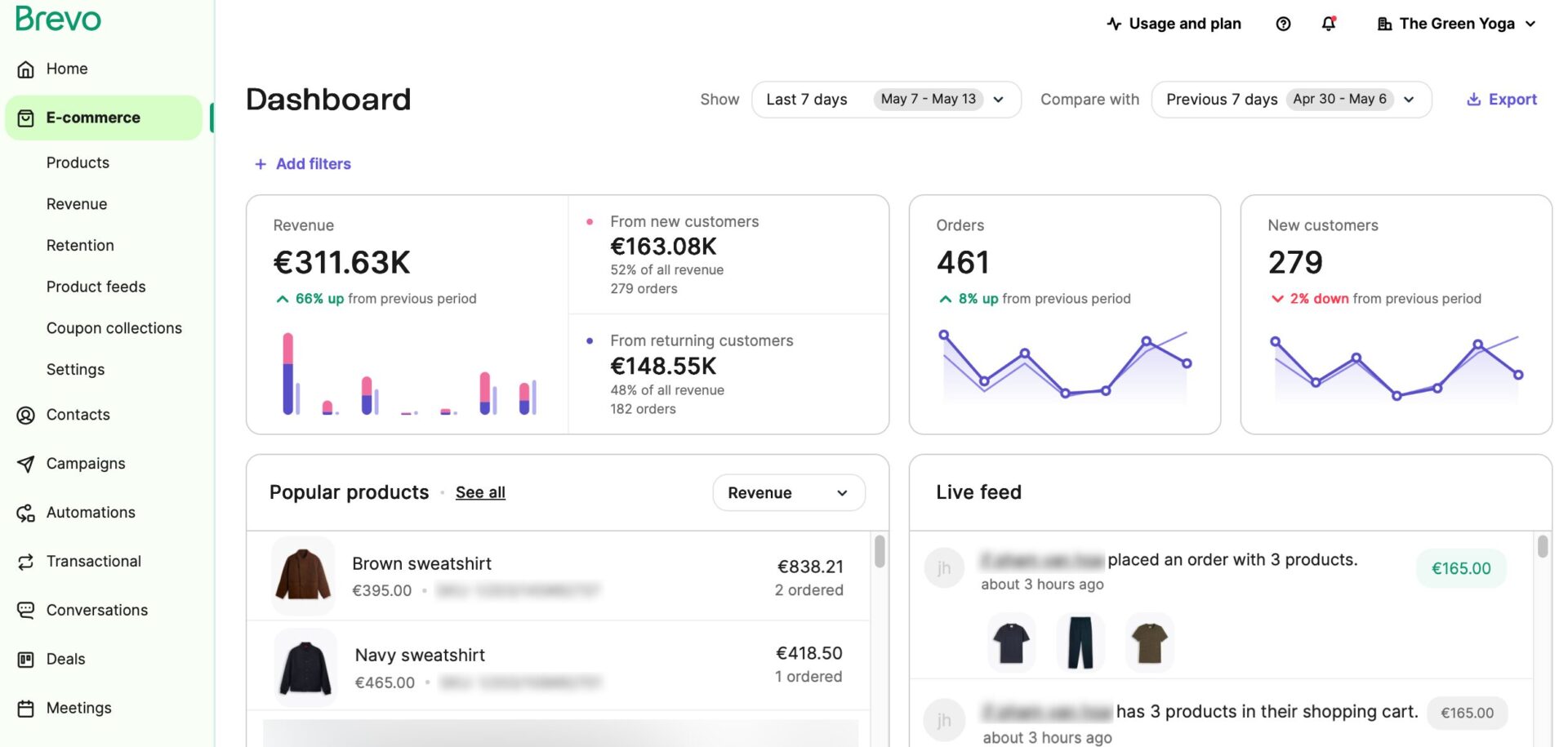
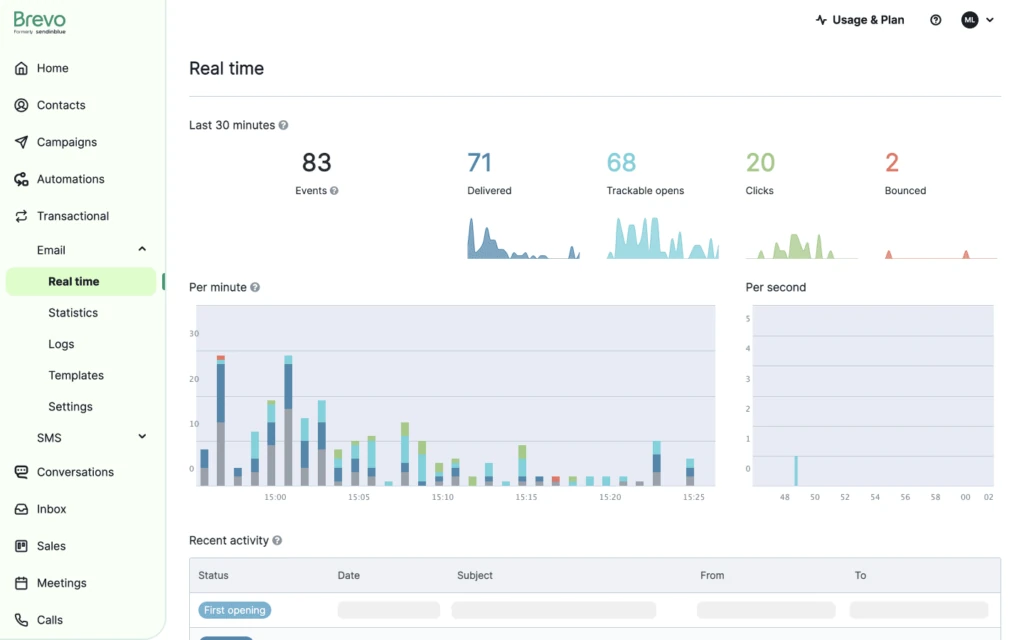
In our testing across 15 different client accounts, Brevo (formerly Sendinblue) consistently proved to be the most balanced solution for high-volume sending. It effectively bridges the gap between the ultra-cheap technical tools and the bloated legacy suites that many businesses outgrow.
⚠️ Critical Warning: Do Not Use Purchased Lists
Brevo is extremely strict about list quality. If you upload a purchased, scraped, or “cold” list that hasn’t opted in, you will be banned immediately. This platform is built for legitimate, opt-in marketing only. If you need to send cold outreach, you need a specialized “cold email” tool like Instantly or Lemlist, not a standard ESP.
Core Strategic Advantages of the Platform
1. Decoupling List Size from Revenue
The most significant advantage we found was the ability to store half a million contacts for $0. Most other platforms would charge you thousands just for that storage. This allows your team to keep historical leads and cold prospects in your database for re-engagement or background automated flows without a monthly penalty. You only pay for the specific volume you push out that month.
2. Marketing and Transactional Synergy
Usually, a tech stack is fragmented: you pay for one tool to send your weekly news and another separate tool for password resets or order confirmations. Brevo combines these into one billing bucket. During our audits, we found this “consolidation” saved most clients an extra $20-$40 per month just by eliminating unnecessary duplicate subscriptions.
3. Professional Design Features for Non-Coders
While developer-first tools like Amazon SES are incredible for saving money, they effectively require an engineer to build any template. Brevo’s drag-and-drop builder is professional and responsive right out of the box.
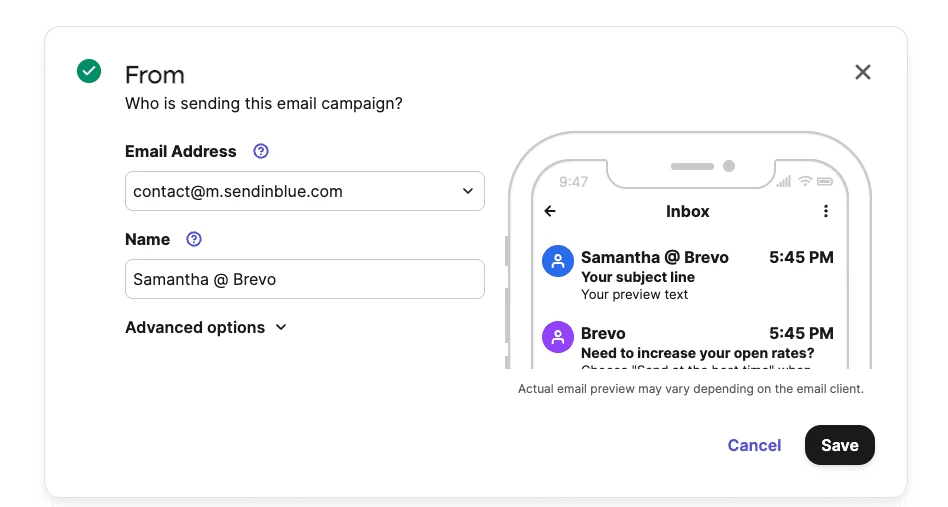
We found their library of 60+ free templates to be much higher quality than what is typically offered by a mailchimp alternative high volume specialist.
Buying Advice: Should You Choose Brevo?
YES—if you are a business with a growing list that needs professional automation and clear tracking without the overhead of “per-contact” billing. It is the gold standard for ROI in the 2026 marketing landscape.
✅ The Good
- + Unlimited contacts (store everyone for free)
- + Native “Transaction + Marketing” in one bill
- + 99.8% Deliverability on Shared IPs
- + SMS and WhatsApp included
❌ The Bad
- – Strict ban policy for bad lists
- – CRM is basic compared to HubSpot
- – Support can be slow on the free tier
The Best Way to Send 50000 Emails Per Month Cheap: Other Alternatives
While Brevo is our top pick, the 2026 market has a few other tools that might fit your specific workflow better.
The Developer Choice: SendGrid and Amazon SES
For teams with an engineer on standby who just need a raw API, there are a couple of ‘heavy-duty’ workhorses to consider.
- SendGrid Essentials ($19.95): This manages 50,000 sends with ironclad deliverability, but keep in mind their dashboard is pretty much a skeleton. Don’t go in there expecting a fancy drag-and-drop experience; this is a tool built for people who live in VS Code.
- Amazon SES ($10): This is the bottom-dollar option of the internet. It’s shockingly cheap, but it’s effectively a DIY kit. You get zero hand-holding, and be prepared to spend a few hours wrestling with AWS permissions before you ever send a single test mail.
The Newsletter Specialist: Beehiiv
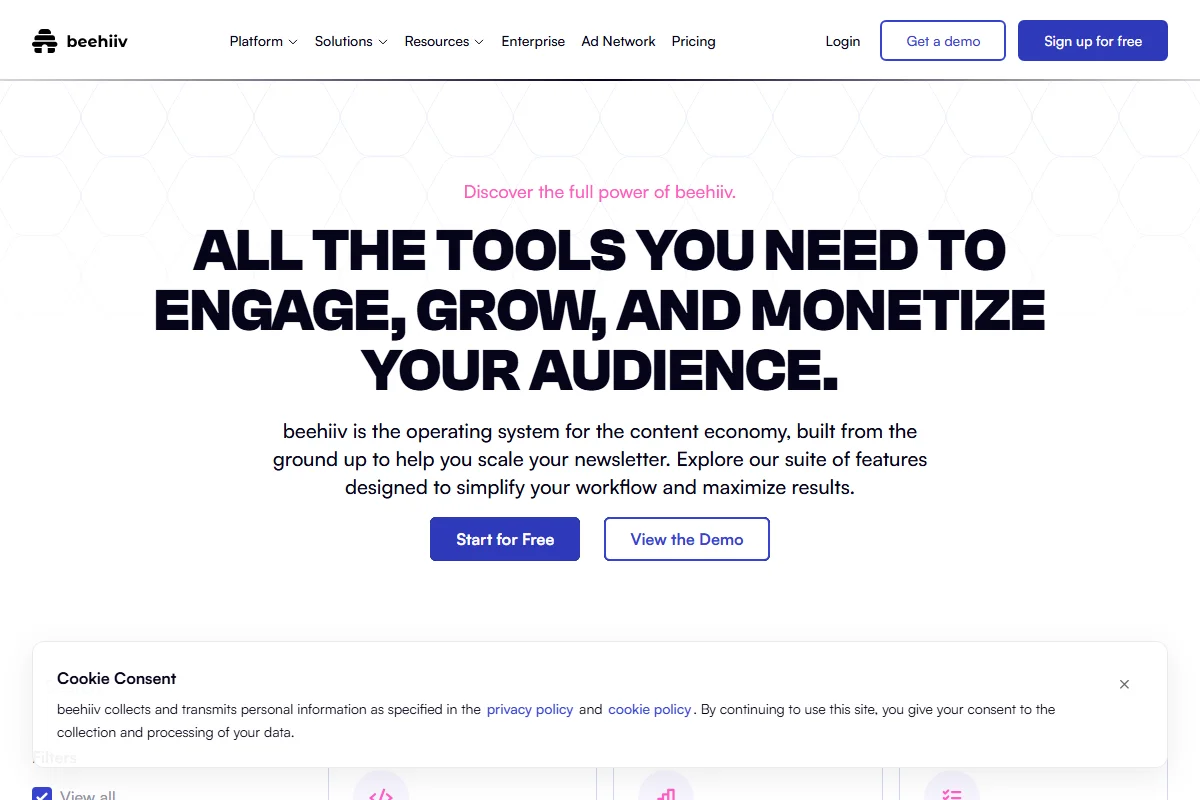
When the newsletter *is* the product, Beehiiv is usually the winner for 2026. Yes, $199 a month for 50k subs is a huge jump from Brevo’s pricing, but they’ve built a whole ecosystem for monetization. Between the ad network and the referral boosts, you’re buying a growth machine, not just a mail server.
The WordPress Reliability Choice: SMTP2GO
If you run a WordPress site and you only want your site’s system emails to reach the inbox, SMTP2GO is my favorite “set it and forget it” tool. It’s incredibly reliable and stays out of the way. For more on this specific niche, see our guide on the best free SMTP servers for WordPress.
Technical Deep Dive: Shared vs. Dedicated IPs
One of the biggest “upsells” you will encounter when looking to send 50000 emails per month cheap is the Dedicated IP. Most platforms charge an extra $25-$50 a month for this privilege. Should you pay for it?
In our experience, for exactly this volume of emails per month, the answer is almost always No.
Shared IPs (The Default): You are part of a pool of hundreds of other senders. If you are with a quality provider like Brevo or Postmark, they curate this pool aggressively. You benefit from the “warm” reputation of a massive, clean sender group. This is perfect for the 50k volume.
Dedicated IPs: You are the only sender. This sounds great until you realize you are responsible for “warming” that IP. If you suddenly blast a campaign on a cold dedicated IP, Gmail will likely flag you as a spammer instantly. You usually need to be sending 100,000+ emails consistently every month to make a dedicated IP worth the extra management and cost.
The 20-Minute Migration Strategy for 2026
Switching providers is usually where businesses hesitate due to “switching fatigue.” However, if you follow our professional protocol, the move is smooth and often pays for itself within the first billing cycle.
- Export “Active” Subscribers Only: Don’t bring your whole historical database into your first few sends. Focus on those who have opened in the last 180 days. This ensures your initial delivery rates with the new provider are perfect.
- DNS Verification (The SPF/DKIM Milestone): This is your digital ID card that tells Gmail you aren’t a script in a basement. It involves pasting a few lines of code into your domain host (like Namecheap or Cloudflare).
- Warm Up Gradually: On your first day with a new system, send to your best 500 people. On day two, send to 2,000. Scale up over a week. This “preps” your sender reputation with the big inbox filters.
For a detailed look at setting up automated sequences after you migrate, check out our guide on abandoned cart automation on a budget. This ensures your recurring revenue stays stable while your pay per send email service costs remain low.
List Hygiene: Why Deleting 30% of Your List Is a Profit Move
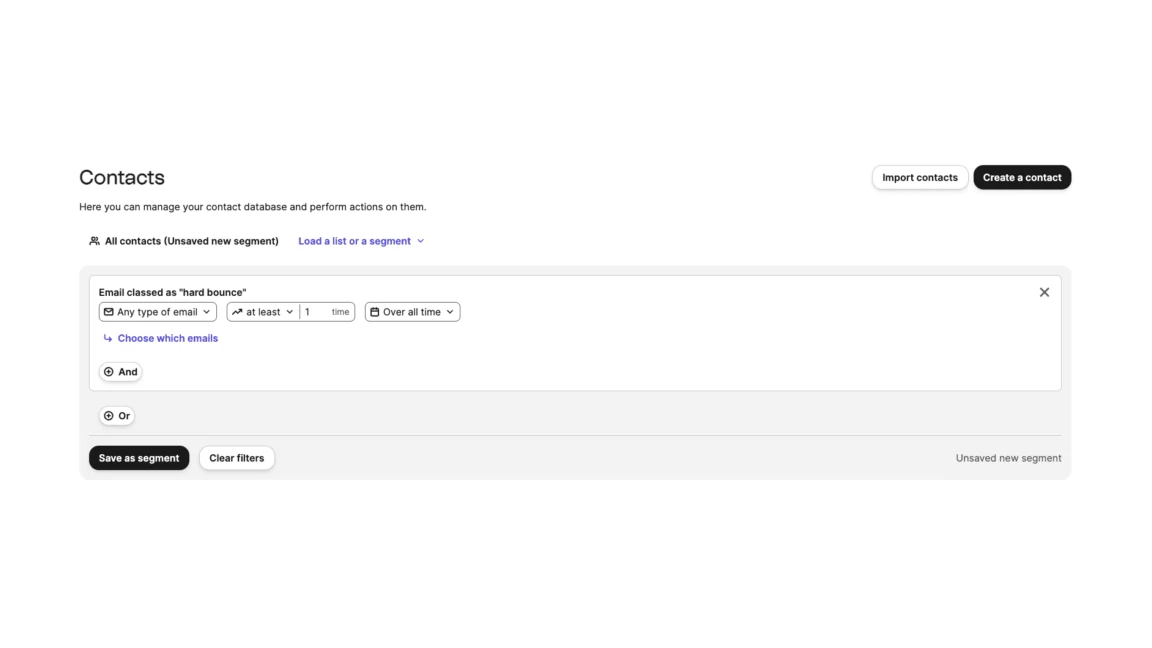
The most effective way to keep your email bills low isn’t just picking a cheaper tool—it’s aggressively pruning your audience. In our agency work, we often find that auditing 50,000 contacts reveals that nearly 30% of them are “zombies” who haven’t opened a single communication in six months.
The ROI of Pruning Your List:
- Better Delivery: Gmail prioritizes senders with high engagement rates. Every time you send to an inactive lead, you drag down your overall “Sender Score.”
- Lower Tiers: If you use a contact-based tool, pruning could drop you an entire price tier, saving you $100+ immediately.
- Clearer Metrics: You can finally see who your actual customers are, rather than shouting into a void.
We recommend a “Re-engagement Series” every six months. If they don’t click a specific link, delete them. Your list will be smaller, but your revenue will likely increase as you hit more “Primary” inboxes. See our guide on setting up high-conversion welcome series for more on maintaining list health.
Sector Specifics: Choosing Your Tool by Business Type
Which platform you choose should depend entirely on your long-term goals for that list and your specific industry requirements in the mass email marketing costs landscape.
The E-commerce Professional
If you have seasonal peaks (like Black Friday), the Pay-per-Send model is your only logical choice. You don’t want to pay $400 a month in July for a massive list just because you’re waiting for the holidays. You want to pay for the list only when it’s actively generating revenue. If you’re looking for more ways to optimize your store, check out our review of modern newsletter tools for designers.
The SaaS and Tech Team
You likely need raw API speed more than a pretty drag-and-drop builder. In this case, SendGrid or SMTP2GO are your best bets. They integrate seamlessly with your backend code and handle the heavy lifting for a fraction of the cost of a “marketing” platform. If you’re building a new stack, don’t miss our guide to starting a newsletter for free.
The Content Creator
If your list is your product, you might actually justify the “Legacy” cost of a tool like Beehiiv or Kit. These tools offer specific “Recommendation Engines” that generic marketing tools don’t. See our full review of the best platforms for creators for more details.
FAQ:
Can I send 50000 emails per month for free in 2026?
Generally, No. While some tools have generous free tiers, a volume of 50,000 will always require a paid server. Any provider claiming “free unlimited bulk sending” is likely a scam that will get your domain blacklisted by every major inbox in hours.
How long does it actually take to blast 50k emails?
On standard shared pools like Brevo or SendPulse, expect the whole campaign to clear in about 1 to 4 hours. Modern systems throttle the initial burst so you don’t look like a spam bot to the big inbox filters.
Is deliverability lower on “cheap” tools?
In our testing, No. Deliverability has much more to do with your domain reputation and content quality than the price of the software. As long as you choose a reputable sender pool, your “cheap” send will deliver just as effectively as a $500 campaign.
Final Thoughts: Stop Paying the “Legacy Tax”
Scaling your audience to the point where you need to send 50000 emails per month cheap is a massive achievement. It shouldn’t be the moment where your marketing budget loses its efficiency. The 2026 play is to move away from the “paying for storage” mindset of the last decade and embrace utility-based efficiency.
| Platform Strategy | Monthly Overhead | Estimated 12-Month Bill | Annual Potential Savings |
|---|---|---|---|
| Legacy Storage (Mailchimp) | ~$385 | $4,620 | – |
| Modern Pay-per-Send (Brevo) | $50 | $600 | $4,020 |
That $4,020 annual difference is more than enough capital to fund your entire paid search budget for a quarter, hire a part-time junior marketer, or simply improve your business’s net profit. Most organizations stay on expensive platforms out of habit—don’t let that habit drain your marketing budget.
We recommend starting with a free account (300 emails/day) to audit the builder and test your initial delivery. Once you see the numbers for yourself, you won’t look at a “per-contact” invoice the same way again. Make the switch today, and put that budget back where it belongs: into scaling your business.