
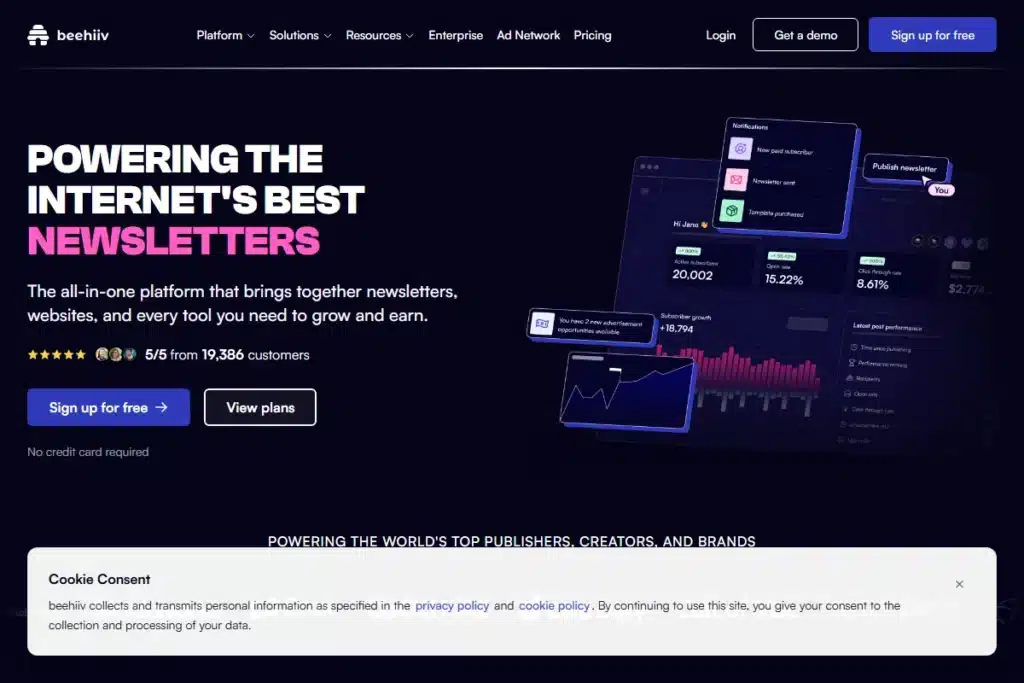
If you want growth, go with Beehiiv. They give you the biggest free runway (2,500 subs) and tools to get shared.
If you just need storage, Brevo is your safe haven. Unlimited contacts, but you can only send 300 emails a day.
If you are a writer first, Kit is the industry standard for a reason.
The “Creator Economy” has a dirty secret: The Subscriber Tax.
One day you are celebrating your 1,000th subscriber, and the next day you are hit with a $49 monthly bill. It is the digital equivalent of paying rent on a house you essentially built with your own hands.
Hunting for the best newsletter platforms for creators in 2026 usually comes down to two specific needs:
- Actually owning the contact list (so algorithms can’t hide your posts).
- Keeping your costs at zero until you are generating real revenue.
I tested the top 20 tools to find the ones that don’t cap your growth too early. Here are the 5 best platforms that let you build a serious business without a credit card.
How We Ranked These Platforms
We didn’t just read the pricing pages. We signed up for each free plan and tested them against three critical criteria:
- The “Runway” Score: How long can you stay free before you have to pay? (Beehiiv wins here with 2,500 subs).
- Data Ownership: Can you export your list easily? (All 5 passed).
- Monetization Traps: Does the platform take a cut of your earnings? (Substack takes 10%, others take 0% on paid plans).
1. Beehiiv – Built for Viral Growth (Up to 2,500 Subs)
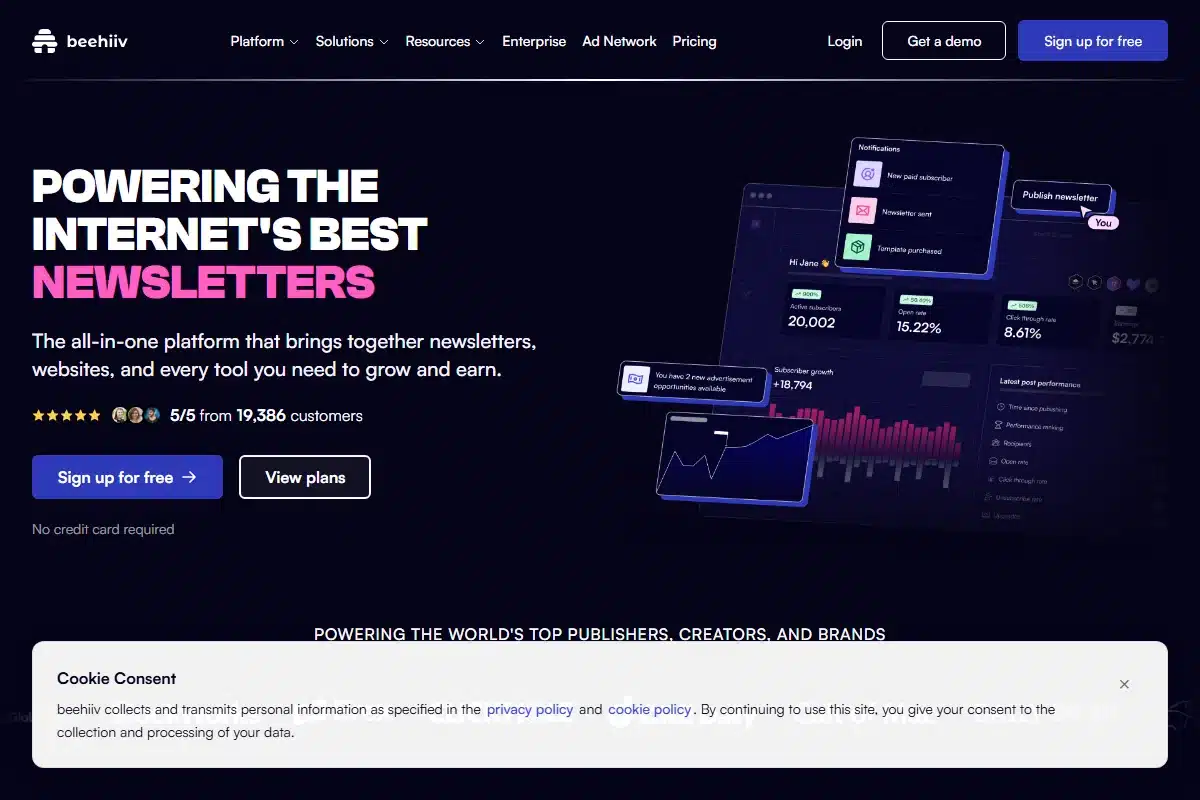
The Verdict: Beehiiv is the tool everyone is talking about. Built by the team that scaled Morning Brew from zero to millions, it is designed strictly for one thing: Growth.
Most legacy tools kick you off the free plan at 500 or 1,000 subscribers. Beehiiv keeps the lights on until you hit 2,500. That is a massive runway for new creators, saving you roughly $30-$50/month compared to competitors during your early days.
What You Get For Free
- 2,500 Subscribers: The highest cap in the industry for a “modern” platform.
- Unlimited Sending: Send daily, hourly, or weekly. No caps.
- Web & Email Combined: You hit send, and it automatically posts to your blog with SEO tags already sorted. This builds your Google traffic while you sleep.
- Custom Domain: Use
newsletter.yourname.comwithout paying extra (rare in free tiers).
The “Growth” Features
Beehiiv’s secret sauce is its built-in growth engine.
- Recommendations: When someone subscribes to a newsletter you recommend, you can get recommended back. It’s “You scratch my back, I scratch yours” automated.
- Magic Links: One-click subscribe links you can drop in other people’s newsletters.
When You Will Have to Pay
You can stay free for a long time, but eventually, you will want the “Scale” features (usually starts ~$39/mo).
The Triggers:
– You want to ask questions via Polls.
– You want to run Automated Journeys (like sending specific emails based on what links people click).
– You want to turn on the Ad Network to get paid.
Pros & Cons
✅ Pros
- Highest free subscriber limit (2,500).
- Modern, clean interface (Morning Brew style).
- Best-in-class SEO blog included.
❌ Cons
- Polls are locked behind a paywall.
- Design is “minimalist” (hard to make complex layouts).
2. Brevo – The “Unlimited Storage” Option
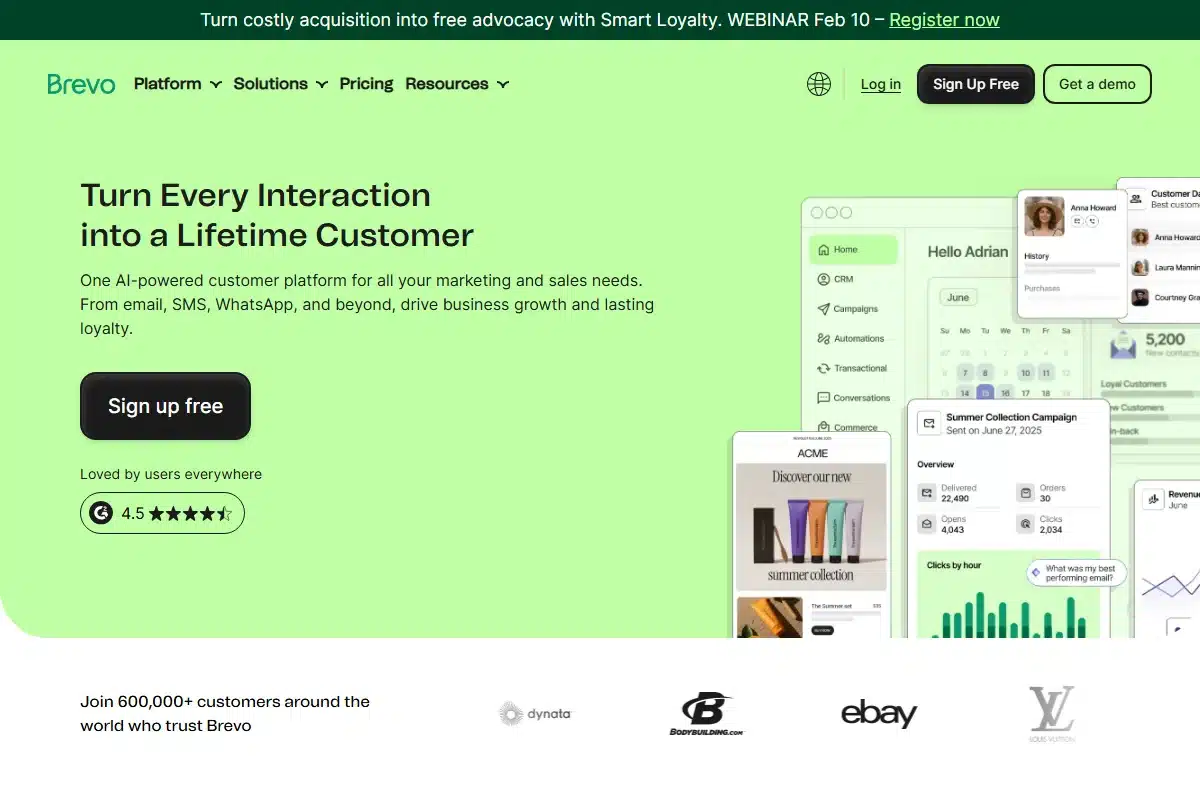
The Verdict: Brevo (formerly Sendinblue) fundamentally changes the pricing model.
While Mailchimp and others charge you once you hit 500 contacts, Brevo allows unlimited subscribers on the free plan. Their pricing is based on emails sent, not contacts stored.
This makes it the ultimate “Parking Lot” for your list. You can have 100,000 subscribers and pay $0/month as long as you don’t email them all at once every day.
The Free Plan Perks
This is the ultimate “Parking Lot” for your list.
– Zero Storage Fees: You can keep 100,000 inactive subscribers here without paying a dime.
– Transactional Ready: It handles boring stuff like password resets and invoices perfectly.
– SMS: You can even send text messages from the same dashboard if you load some credit.
The Daily Limit (The Catch)
Here is why it is free: You are capped at 300 emails per day.
This resets every 24 hours. Unlike Beehiiv where you can blast 2,500 people at once, Brevo forces you to be slow. If you have 1,000 subscribers, a single newsletter will take 4 days to finish sending. It is terrible for “News,” but amazing for automated welcome sequences that trickle out slowly.
Pros & Cons
✅ Pros
- Only tool with Unlimited Contacts for free.
- Includes CRM and Chat widget features.
- Great for e-commerce (Shopify integration).
❌ Cons
- 300/day limit is annoying for “Broadcasts”.
- Interface is “Corporate” (not fun like Beehiiv).
3. Kit (ConvertKit) – The Creator Standard
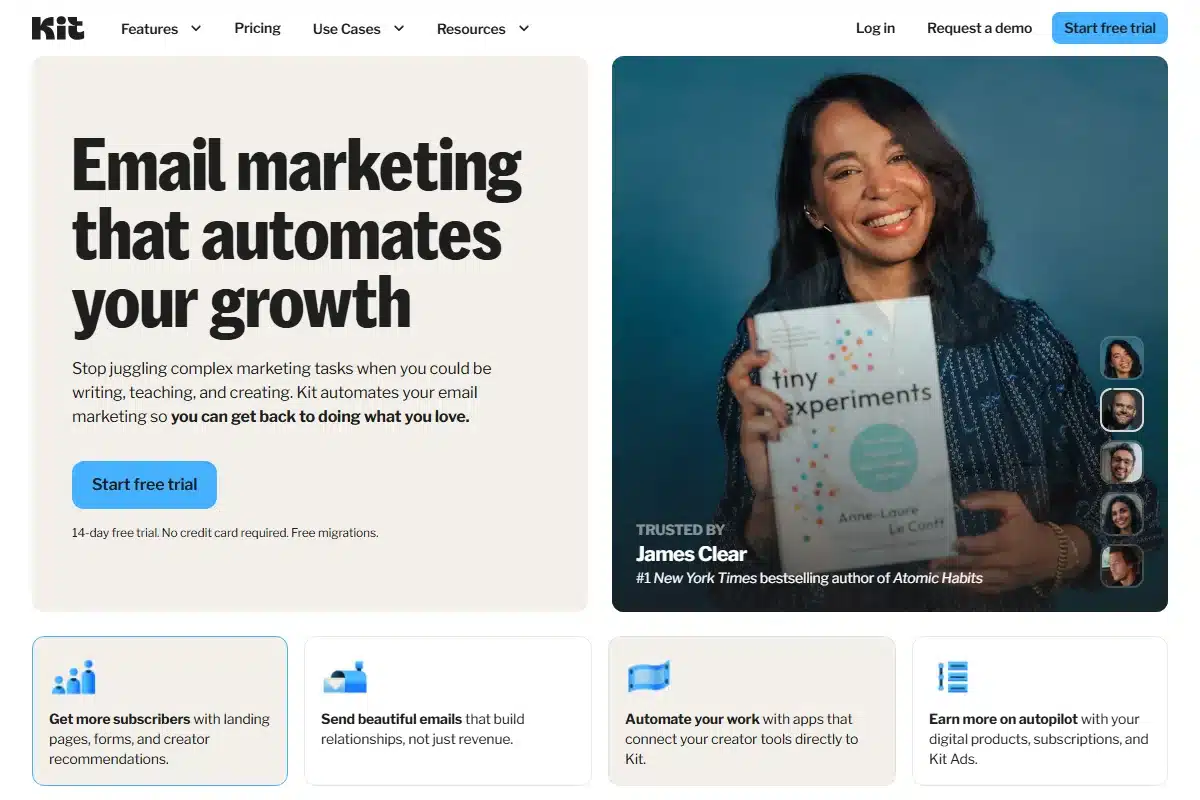
The Verdict: Kit (formerly ConvertKit) is the industry standard for professional bloggers, authors, and course creators.
If you plan to sell digital products (ebooks, courses, coaching), this is your home. It integrates with everything: Teachable, Shopify, Gumroad, and WordPress.
The 2026 Limits Explained
Kit has a dual-free tier that often trips people up.
Plan A (10,000 Subs): You can collect emails via landing pages, but you can’t email them all. This is for “Coming Soon” modes.
Plan B (1,000 Subs): This is the functional plan. You can actively email up to 1,000 people. Once you hit 1,001, the meter starts running.
Why Writers Stick With Kit
Two reasons: Data and Deliverability.
Kit protects its reputation fiercely. Because they ban spammers instantly, your emails have a much higher chance of hitting the Primary Inbox rather than the Promotions tab.
Also, their “Tagging” system is brilliant. Instead of messy lists, you just tag users based on what they click. “Clicked Ebook” -> Send Sales Sequence. Simple/.
Pros & Cons
✅ Pros
- Industry-best automation (Visual Automations).
- Integrates with every course platform exists.
- High deliverability reputation.
❌ Cons
- Visual editor is very basic (text-focused).
- Free plan caps active sending at 1,000.
4. Substack – The “Easy Button”
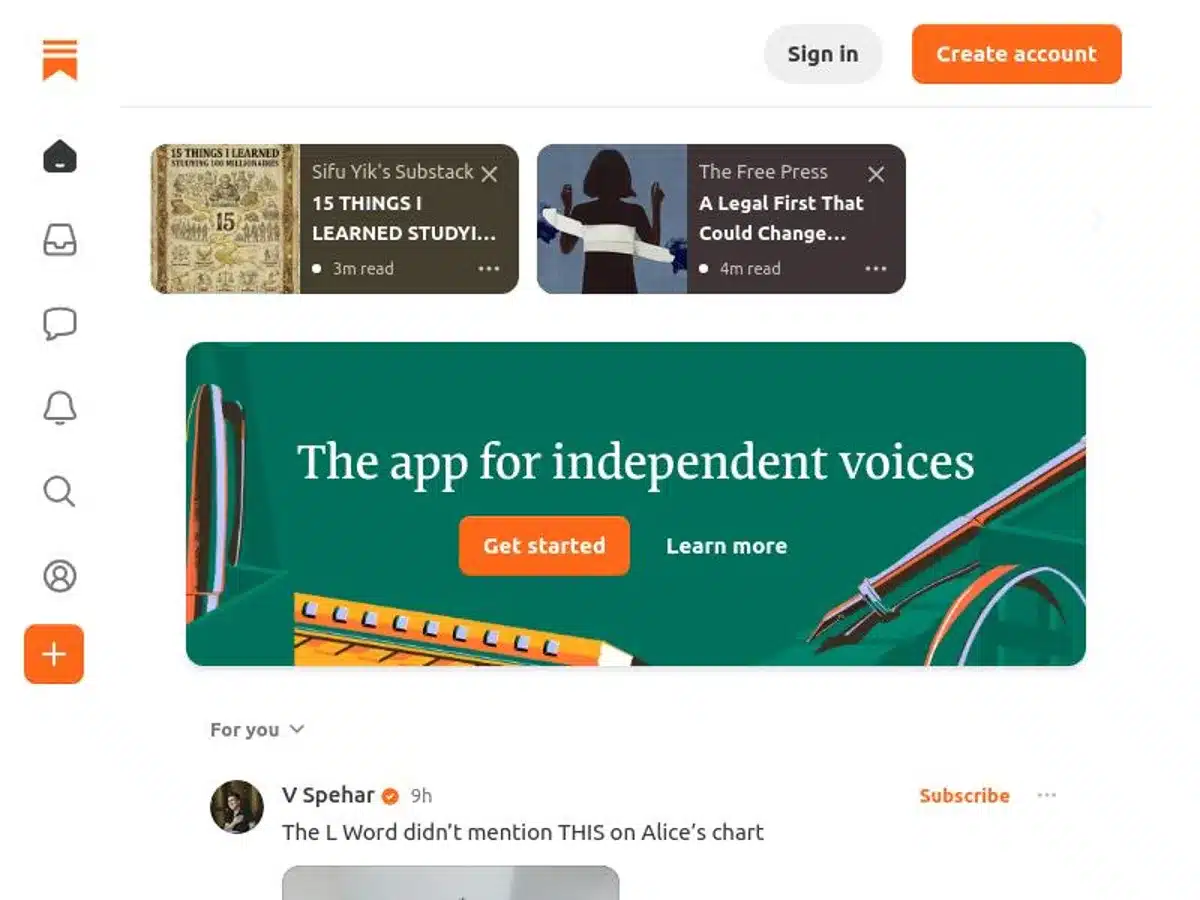
The Verdict: If you hate tech setup, start here. You can be published in 60 seconds.
Think of Substack less like an email tool and more like “Twitter for Long-Form.” You don’t build a website; you get a profile.
The Math: The 10% Fee
Substack is free forever, until you make money.
When you turn on paid subscriptions, they take a 10% cut of every dollar. Stripe takes another 2.9%.
The Reality Check: If you earn $10,000 a month, you are handing Substack $1,000 every single month. On Beehiiv or Kit, you’d pay a flat fee of $99 and keep the rest. Substack is cheap to start, but expensive to scale.
Pros & Cons
✅ Pros
- Zero setup required.
- Powerful network effects (free traffic).
- Simple, clean reading experience.
❌ Cons
- Expensive 10% fee at scale.
- You don’t own the SEO (Substack ranks, not you).
- Hard to customize design.
5. MailerLite – visual Design (500 Sub Limit)
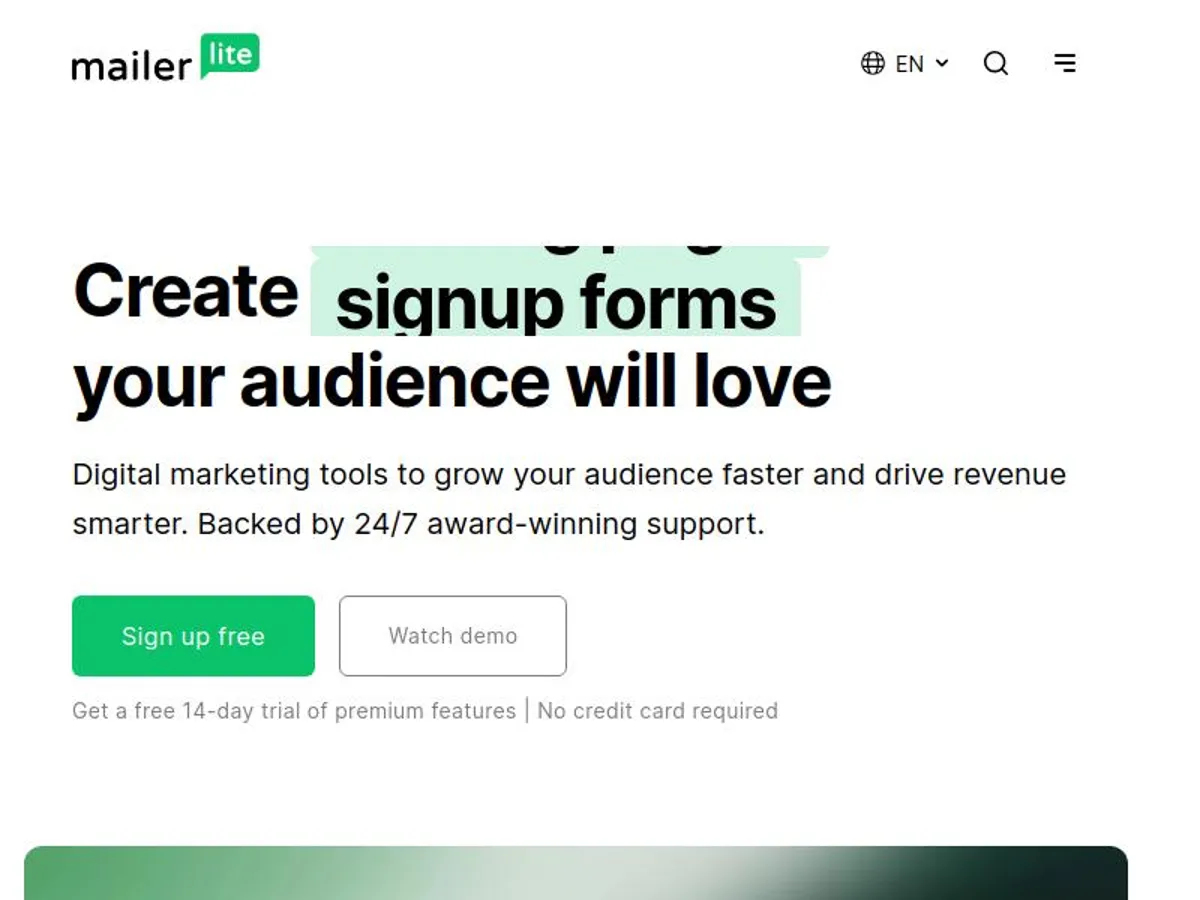
The Verdict: MailerLite sits perfectly between the technical power of Kit and the visual beauty of Squarespace.
If you are a photographer, designer, or e-commerce shop, text-only emails (like Kit/Substack) look boring. You need image galleries, button grids, and product sliders. MailerLite does this best. (By the way, if you run a shop, see our list of free abandoned cart tools).
The 2026 Downgrade
MailerLite used to be the generous option (1,000 subs). They recently cut this to 500.
It helps to know that going in. But they make up for it with “Pro” features included for free:
– Interactive Blocks: You can put a survey or a quiz right inside the email.
– Mini-Websites: Not just a landing page, but a full site builder.
Pros & Cons
✅ Pros
- Best Drag-and-Drop editor on the market.
- Interactive content blocks (Surveys/Quizzes).
- Includes a website builder.
❌ Cons
- Strict 500 subscriber limit (lowest on this list).
- Approval process can be slow (24-48 hours).
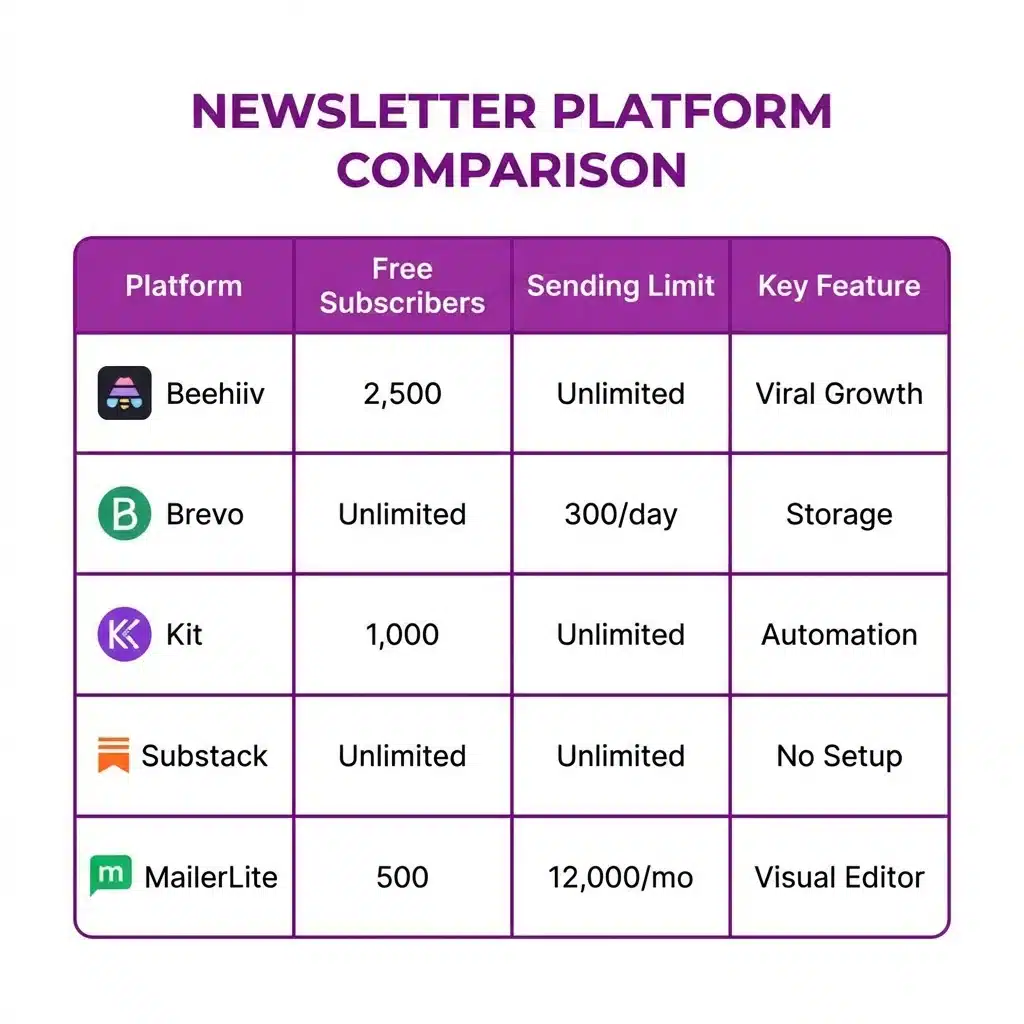
Comparison: Top Newsletter Platforms for Creators
| Platform | Free Subscriber Limit | Sending Limit | Best For |
|---|---|---|---|
| Beehiiv | 2,500 | Unlimited | Viral Growth |
| Brevo | Unlimited | 300 / Day | Storage & Savings |
| Kit | 1,000 (Active) | Unlimited | Writers |
| Substack | Unlimited | Unlimited | Beginners (10% Fee) |
| MailerLite | 500 | 12,000 / Mo | Visual Design |
Which One Should You Choose?
- Choose Beehiiv if you want the highest free subscriber cap (2,500) and modern growth tools.
- Choose Brevo if you have a massive list but send infrequently (Unlimited storage).
- Choose Kit if you are selling digital products and need a “Link in Bio” solution.
The tools are free. The audience is yours. Start building today.
Bonus Guide: How to Get Your First 1,000 Subscribers
Picking a tool is step one. Getting readers is step two. Here is the exact playbook successful creators use in 2026.
1. The “Lead Magnet” Swap
Nobody wants “more updates.” They want a specific problem solved.
Change your signup button. Instead of “Join the Newsletter,” make it “Get my 5-Day Email Course on [Topic].”
Beehiiv makes this easy to automate: Signup -> Send PDF immediately.
2. The “Recommendation” Engine
Beehiiv allows you to “trade” subscribers. Find three other newsletters in your niche. Send them an email:
“Hey, I’m growing a newsletter on [Topic]. Want to recommend each other?”
You toggle a setting, and suddenly their new signups see your newsletter as a “Recommended Read.” It works.
3. The Welcome Series
Do not ghost your new readers. Set up a simple 3-day sequence:
Day 1: Your Backstory (Establish trust).
Day 2: Your Best Guide (Provide value).
Day 3: A Question (Get them to reply).
Getting replies early tells Gmail, “This is a friend, not a brand.”
Troubleshooting: Why Are My Emails Going to Spam?
Nothing is more frustrating than writing a masterpiece that nobody sees. If your open rates are under 20%, you likely have a deliverability issue.
1. You Missed the Tech Setup (DKIM/SPF)
If you skip this, you are invisible.
Gmail and Yahoo require you to authenticate your domain. Look for the “DNS Setup” tab in your dashboard. You need to copy those CNAME records into your domain provider (Namecheap/GoDaddy).
Tools like Brevo walk you through this with a checklist. Do not ignore it.
2. The Image Trap
If your email is just one giant image flyer, Gmail assumes it is a spammy promotion.
The Rule: Aim for 60% text, 40% images. Write actual paragraphs. If you are a photographer, use MailerLite—they code their galleries correctly to avoid this flag.
3. Your Subject Line is Yelling
Avoid “FREE,” “URGENT,” or excessive exclamation marks!!!
Curiosity wins. “The mistake I made” opens better than “BUY THIS NOW.”
If you are running a WordPress site and just need to fix your contact forms (not send a newsletter), you don’t need a full platform. You just need a Free SMTP Server. Check out our guide on that if you are technically inclined.
Migration Guide: How to Switch Platforms
Moving from Mailchimp to Beehiiv or Brevo is easier than you think. You do not need to be a developer.
- Export Your Active List: Go to your current provider, select “All Contacts”, and choose “Export to CSV”.
- Export Your “Unsubscribes”: CRITICAL STEP. You must export your suppression list separately.
- Import to New Tool:
- Import the Active CSV as “Subscribers”.
- Import the Unsubscribed CSV as “Blacklist/Suppressed”.
Why import unsubscribes? If you accidentally email someone who opted out 2 years ago, they will mark you as spam. If enough people do this, Gmail will block your domain. Importing them as “Suppressed” ensures the new tool knows: “Never email these people.”
FAQ: Newsletter Platforms
Do I really need a “Business Email” address?
Yes. You cannot send a newsletter from [email protected]. It will land in spam. You need a custom domain (e.g., [email protected]). Most of these platforms (like Beehiiv) give you a subdomain (you.beehiiv.com) which works for free, but buying a $10 domain is the best investment you’ll make.
Which platform has the best open rates?
Kit (ConvertKit) typically wins here because they have the strictest compliance team. They won’t let you send emails until they verify you are real. This keeps their servers clean. Beehiiv is a close second. Substack is hit-or-miss because so many casual users send low-quality content from their shared IPs.
Can I make money on the free plans?
Technically, yes. You can use affiliate links (like Amazon Associates) in your emails on all these platforms. However, if you want “Paid Subscriptions” (gatekeeping content), you usually need to upgrade or pay a fee (like Substack’s 10%). Beehiiv allows you to run your own ads or sponsors on the free plan without taking a cut.