
The Quick Verdict:
Need to save lost sales without spending $300/mo? Brevo is the winner. It allows you to automate abandoned cart emails for free (up to 300/day). Ideally for starting out.
You check Shopify at 8 AM. 50 Cart Adds. 3 Sales. It hurts. You are literally lighting money on fire. According to Baymard Institute, nearly 70% of carts are abandoned. That is free money waiting for you to collect.
Most gurus tell you to “just send an email,” but they don’t tell you that enterprise tools cost $300 a month. When I was starting my first store, I didn’t have that kind of cash. I needed something free that actually worked.
I spent the last week testing 20+ “free” tools. Most of them are trash—they limit you to 50 emails or slap a huge ugly logo on your footer. But I found 5 gems that actually let you build a legit automation machine without entering a credit card.
In this guide, I’m not just listing tools. I’m going to show you exactly how to automate abandoned cart emails for free to save your budget for ads.
The “Free” Trap (How They Trick You)
Before we dive into the tools, you need to understand the trap. Many SaaS companies offer a “Free Plan” that is actually a trap. They might give you 2,000 contacts, but they remove the “Automation” feature.
Why? Because Automation is the money-maker. They know if you can set up a workflow that makes money while you sleep, you’ll pay for it.
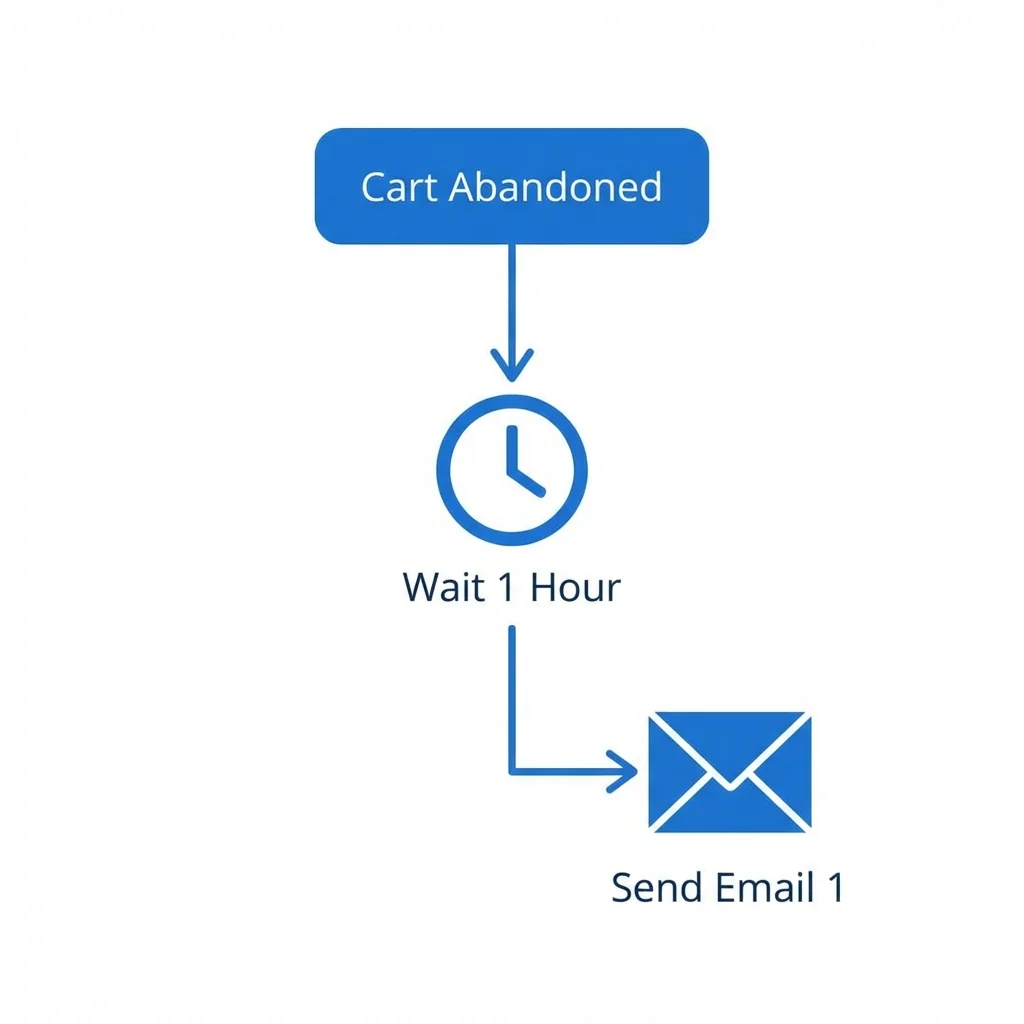
The tools I’ve selected below are different. They all include Visual Automation Builders in their free tier. This means you can create the logic: “User abandons cart -> Wait 1 Hour -> Send Email 1 -> Wait 24 Hours -> Send Email 2.”
Here is the breakdown of the best tools to automate abandoned cart emails for free.
1. Brevo – My Personal Go-To
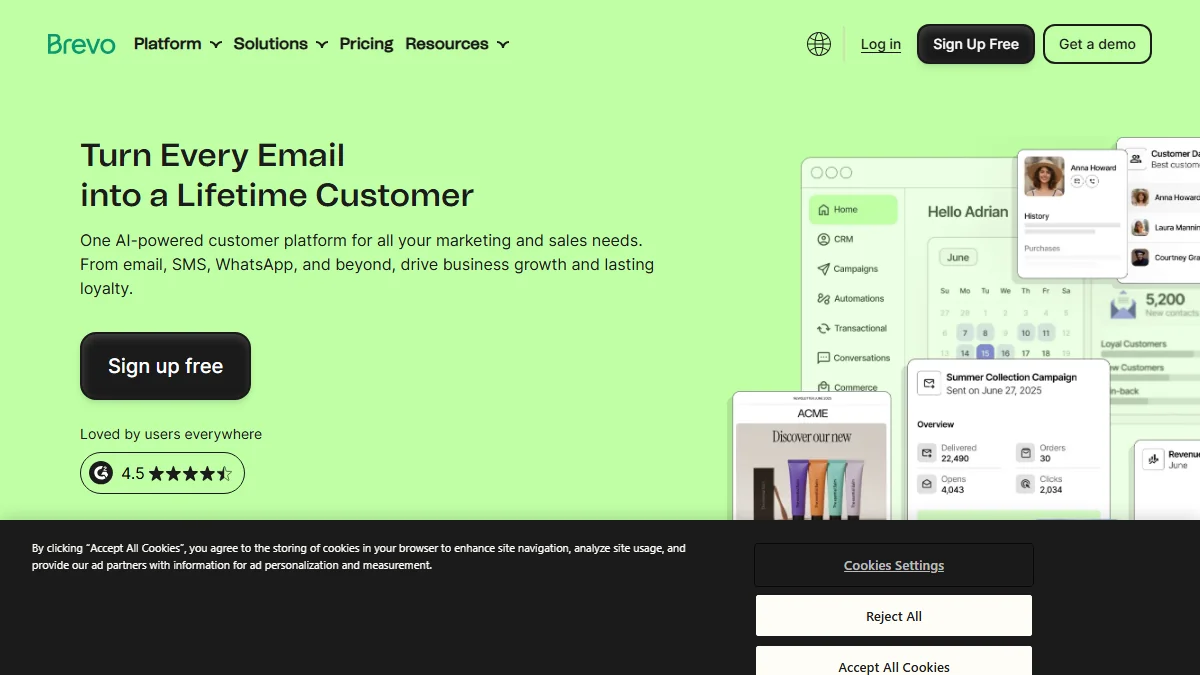
The Verdict: If you want the “Ferrari” engine for free, this is it.
I used to swear by Mailchimp until they put their automation behind a paywall (seriously, why?). That’s when I switched to Brevo, and honestly, I haven’t looked back.
They let you send 300 emails a day for free. For a new store, that is massive. That’s 9,000 emails a month. Most competitors cap you at 500 emails per month.
Real Talk: Why It Wins
- The Logic Map: You can build these crazy complex workflows. Like, “If they buy X, wait 2 days, then sell them Y.” It’s powerful stuff.
- Inbox Placement: My open rates actually went up when I switched. Their servers are clean.
- Unlimited Database: You can upload a list of 100,000 people today. Brevo won’t charge you a dime for storing them. The meter only runs when you hit “Send”.
The Catch (Trade-offs)
- The Hard Stop: The 300 emails/day limit is strict. If your TikTok blows up and you get 1,000 abandoned carts by noon, 700 of those emails are stuck in limbo until tomorrow. That delay kills conversions.
- Who is this NOT for? If you are an Enterprise brand sending 1M emails/month, Brevo’s free plan isn’t for you (Use Klaviyo). But if you are doing $0-$10k/month, Brevo is the smartest math.
- It’s Ugly: Okay, not ugly, but it looks like a spreadsheet. It lacks the polish of MailerLite, but the engine is stronger.
When Should You Pay?
This is where Brevo gets interesting. You should upgrade to the “Starter” plan ($25/mo) once you hit 20,000 emails/month. At that point, the ROI from your abandoned cart recovery will easily cover the cost. This is how we grow: Start Free -> Recover Sales -> Re-invest in Paid Tools.
Technical Setup: The 5-Minute Brevo Workflow
I promised to show you how. Here is the exact setup I use for every new store:
- Connect: Install the official “Brevo for WooCommerce/Shopify” plugin. It automatically syncs your “Add to Cart” events.
- Create: Go to Automations -> Create Workflow.
- Pick the Blueprint: Click the pre-made “Abandoned Cart” option. Don’t build from scratch.
- Set the Timer: Dial the “Wait” setting to 1 Hour. Not sooner. Not later. Trust me.
- Activate: Hit “Activate”. That’s it. The plugin tracks the cart, Brevo sends the email.
2. Omnisend – Best for E-commerce (Shopify)
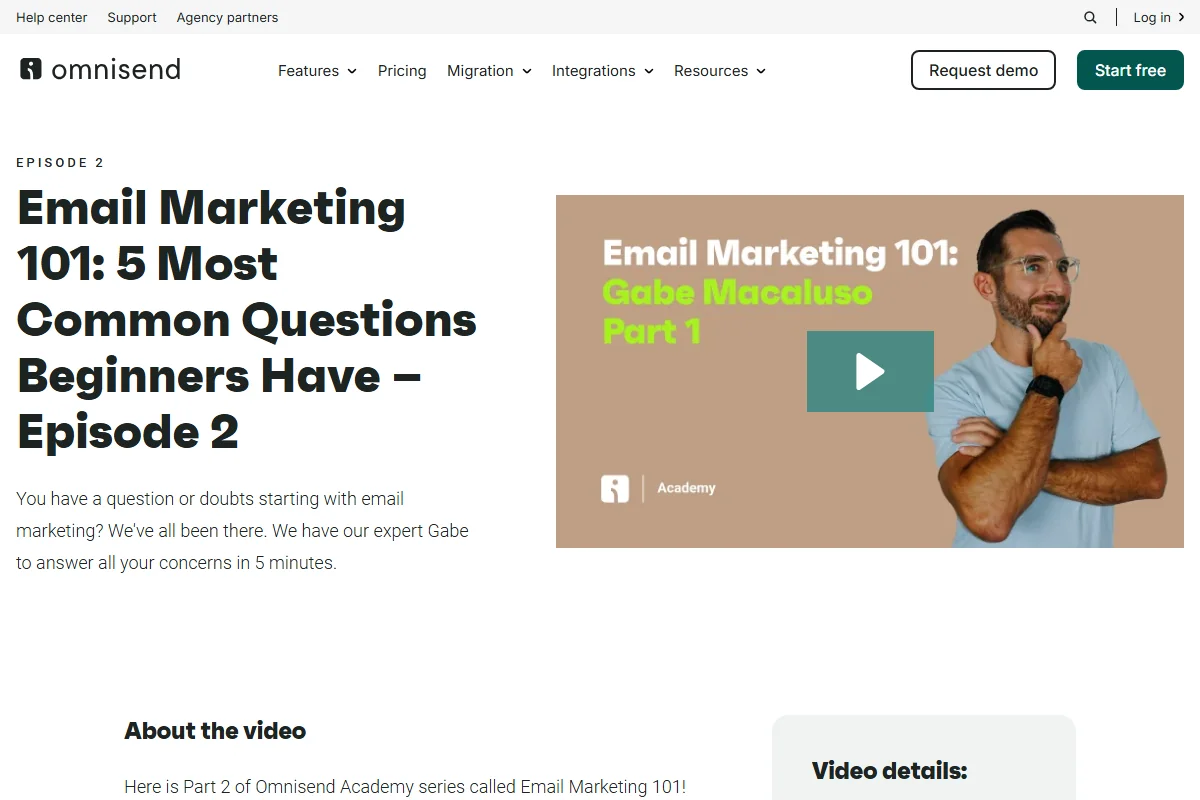
The Verdict: If you run a Shopify store, Omnisend is built specifically for you.
Omnisend offers a generous free plan that includes their award-winning Product Picker. You don’t need to manually create the email; it pulls the exact photo, price, and title of the product the user left behind.
Key Features
- Free Tier: 500 emails/month. Good for starting. Bad for scaling.
- Lazy Workflows: Don’t build it. Click “Abandoned Cart Strategy” and the 3-email sequence just appears. Magic.
- SMS Included: Send texts too. Just watch your credit limit—it burns fast.
How to Set It Up (Fast)
- Grab the Omnisend App from Shopify.
- Hit the “Automation” tab.
- Click “Abandoned Cart Strategy”.
- Tweat the subject line.
- Flip the switch to “Active”. Done.
This 5-minute setup is why I recommend it to beginners who are terrified of “tech stuff.”
Trade-offs
- Branding: The free plan includes Omnisend branding in the footer.
- Limited Reach: 500 emails/month runs out fast if you have a busy month.
3. MailerLite – The Design King
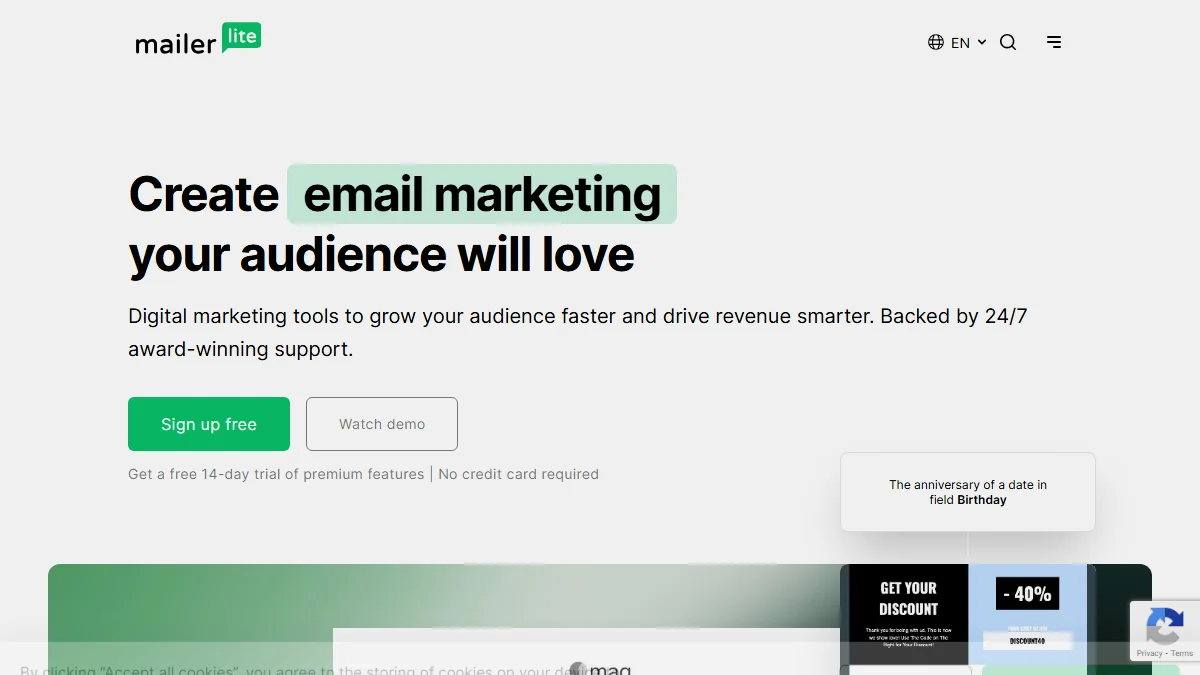
The Verdict: Hate tech? Use this.
MailerLite is the iPhone of email tools. Clean. No clutter. Just works. Their “Free Forever” plan gives you automation for 1,000 subscribers.
Why It Wins
- Drag-and-Drop: Best builder in the game. Your emails will look like a pro agency designed them. Responsive? Yes. Fast? Yes.
- Landing Pages: Need to capture leads? They throw in free landing pages too.
- 3-Step Automation: Drag a “Wait” block. Drag an “Email” block. Connect them. Simple.
Trade-offs
- Strict Approval: MailerLite is very protective of their deliverability. Account approval can take 24 hours. They check your website to make sure you aren’t a spammer.
- Visual Automation Limit: The free plan has the builder, but some advanced trigger types are reserved for paid users.
4. HubSpot – The CRM Powerhouse
The Verdict: Selling high-ticket? Use this.
HubSpot isn’t just for sending emails; it’s for tracking people. Let’s say you sell $2,000 e-bikes. You don’t just want to blast an email; you want to call them. HubSpot records every page they visited so you are prepared before you dial.
Trade-offs
- Complexity: It’s heavy. Buttons everywhere. You will need coffee to learn this one.
- The Wall: The free tier is huge, but crossing the contact limit gets expensive immediately.
5. Kit (Formerly ConvertKit) – Best for Creators
The Verdict: The gold standard for bloggers and course creators.
If you are a “Creator” first and a “Shopify Store” second, Kit is your home. They rebranded from ConvertKit to Kit, but the engine is the same. Their free plan is surprisingly powerful for text-based emails.
It doesn’t have the fancy drag-and-drop design of MailerLite, but it has the best deliverability on this list. If you write plain-text emails that feel like a friend wrote them, use Kit.
Trade-offs
- Text-Heavy: It’s bad for e-commerce “catalogue” style emails. It’s built for storytelling.
- Automation Limits: The free plan allows you to send broadcasts, but complex visual automation sequences are reserved for the “Creator” paid plan ($29/mo).
Comparison Table: Free Plans at a Glance
| Tool | Daily/Monthly Limit | Contacts Limit | Best For |
|---|---|---|---|
| Brevo | 300 / Day | Unlimited | Scaling Businesses |
| Omnisend | 500 / Month | 250 | Shopify Stores |
| MailerLite | 12,000 / Month | 1,000 | Design Lovers |
| HubSpot | 2,000 / Month | Unlimited (CRM) | High Ticket Sales |
| Kit | Unlimited Sends | 1,000 | Creators/Bloggers |
Step-by-Step Strategy: The “3-Email” Recovery Flow
Tools are useless if your words suck. Even the best automation won’t save a bad email. Here is the exact script I use to recover lost revenue automatically.
Email 1: The Nudge (1 Hour)
Subject: Everything okay?
Body: “Hey [Name], saw you left some gear in the cart. Issues with checkout? I saved it for you here: [Link].”
Goal: Service, not sales.
Email 2: Social Proof (12 Hours)
Subject: People love this…
Body: “These are moving fast. Check what others are saying about [Product Name].”
Goal: Trust.
Email 3: The Discount (24 Hours)
Subject: 10% Off (Last Chance)
Body: “I want you to have this. Use code SAVE10. Expires in 24 hours.”
Goal: Close the deal.
FAQ
Are free email marketing tools actually free forever?
Yes, but with limits. The tools listed (Brevo, MailerLite) use a “Freemium” model. They are free forever up to a certain limit (e.g., 300 emails/day). They only charge you once you grow large enough to afford it.
Which abandoned cart tools do not require a credit card?
Brevo, MailerLite, and Omnisend allow you to access their full automation features without entering any payment information. You only need a credit card when you upgrade to a paid plan.
What is the best free abandoned cart plugin for WooCommerce?
Hands down, it’s Brevo. Their official plugin hooks directly into WooCommerce and catches “Add to Cart” events in real-time. It’s way more reliable than relying on cheap SMTP plugins that often miss emails.
Final Verdict
- Go with Brevo if you want the best balance of Generous Limits + Advanced Automation. It scales with you.
- Go with Omnisend if you are strictly on Shopify.
- Go with MailerLite if you hate complex software.
Don’t let another customer walk away. Set up one of these free tools today and watch your revenue tick up by tomorrow morning.